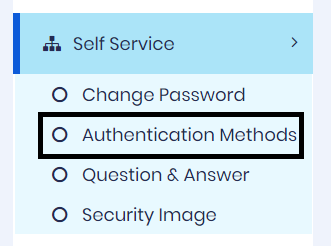
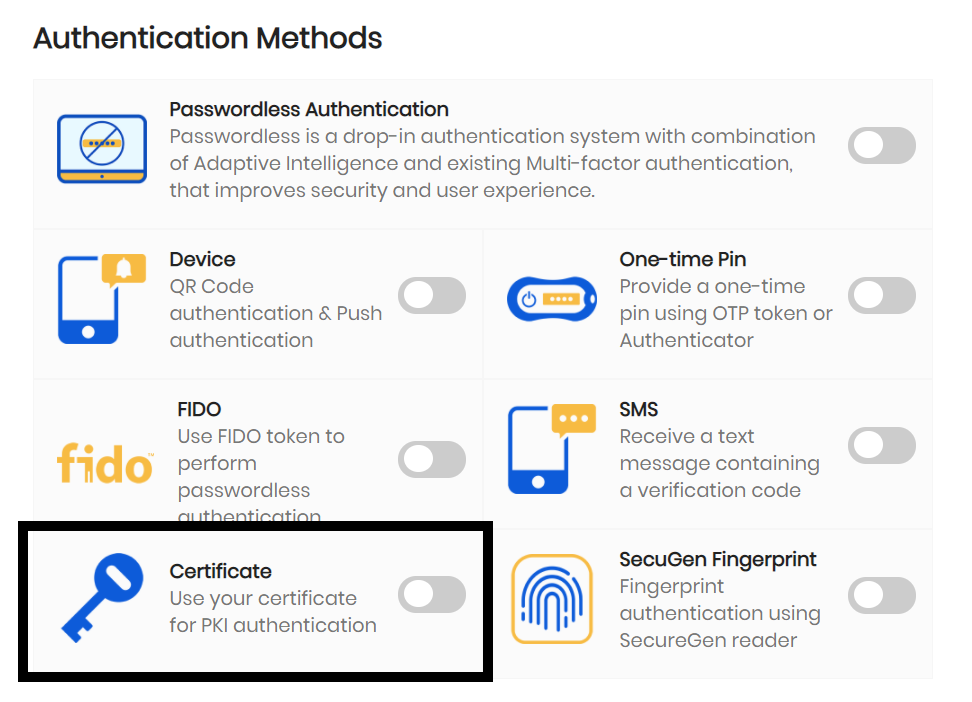
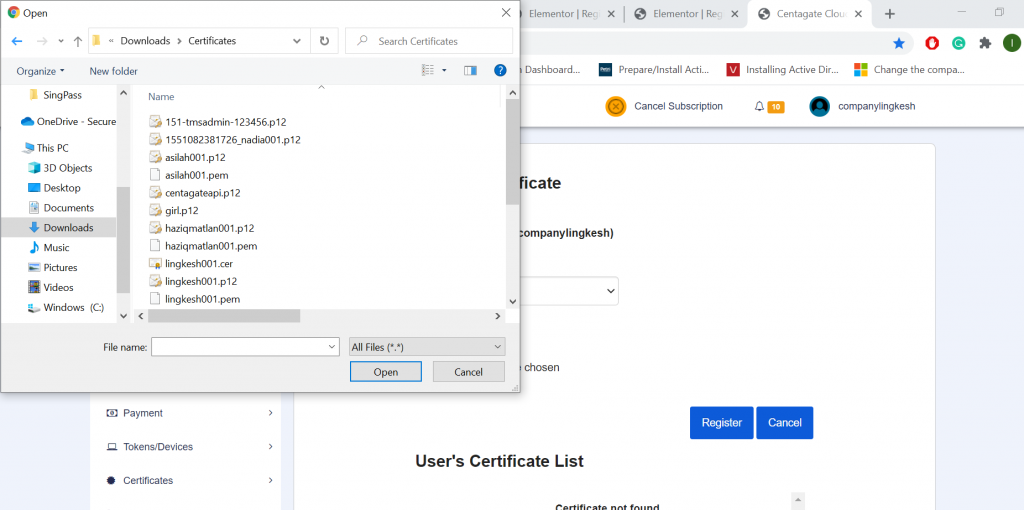
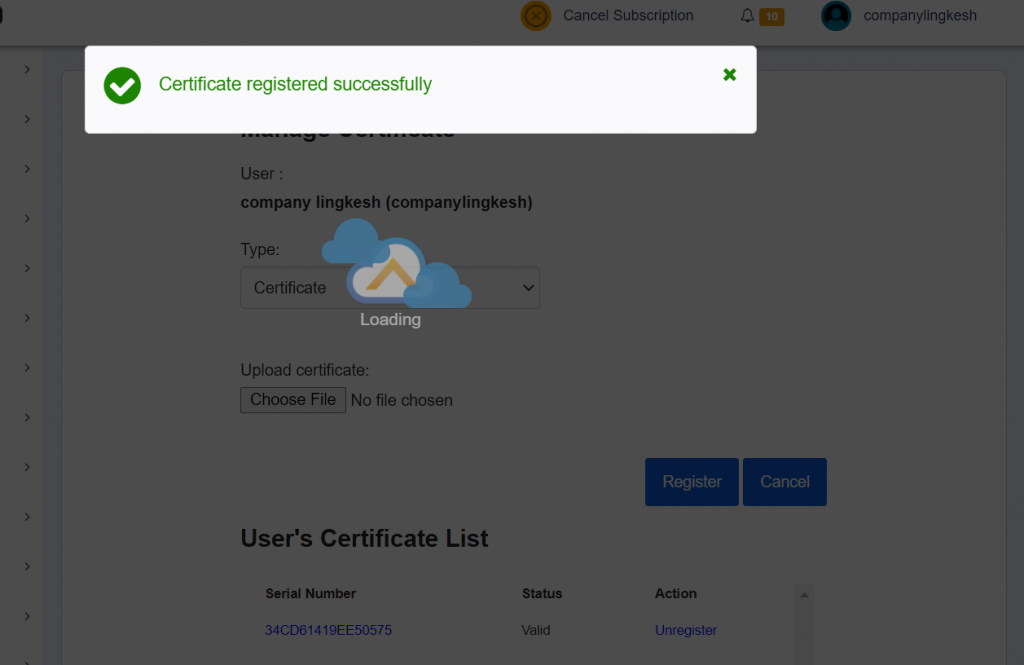
Register PKI Certificate This function allows user to manage your certificates. User can only register certificate that is trusted by CENTAGATE Cloud. Please contact CENTAGATE admin if you have any issuer certificate that needs to be trusted by CENTAGATE Cloud. 1. Click Self Service → Authentication Methods → Certificate Figure 1: Navigate Register Certificate page 2. Browse user public certificate at the Manage Certificate page and only allows CER, CRT, DER, and PEM file extension. Figure 2: Manage Certificate Page 3. After user select their certificate and press the register button and it show the result of the upload. Figure 3: Upload Certificate Result