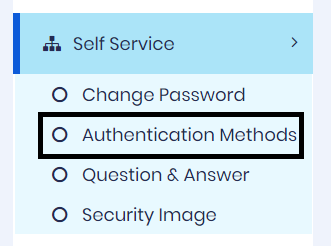
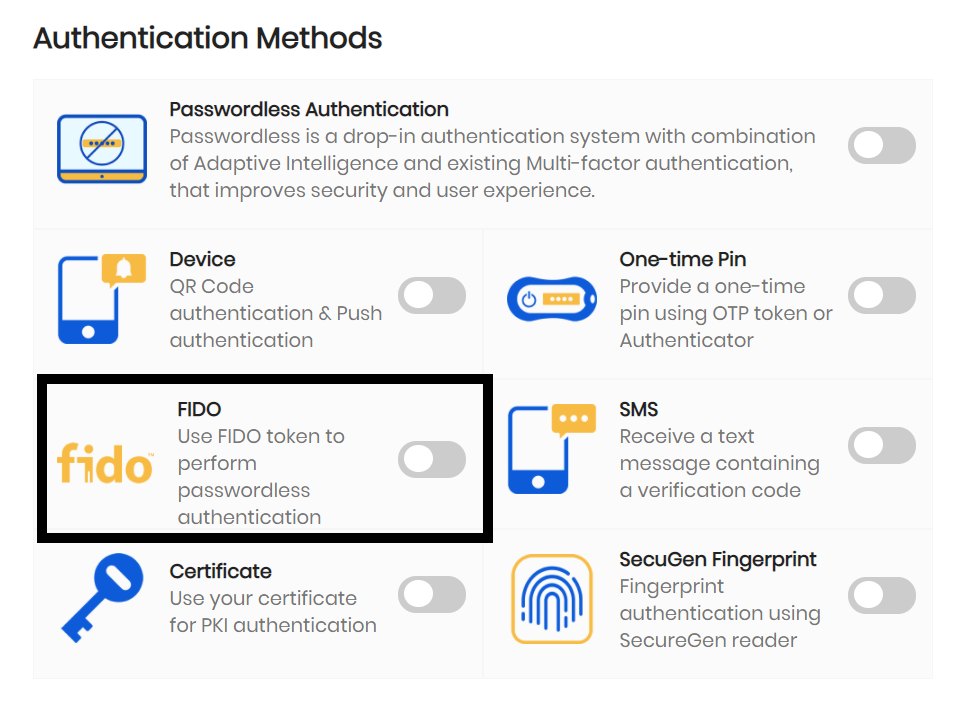
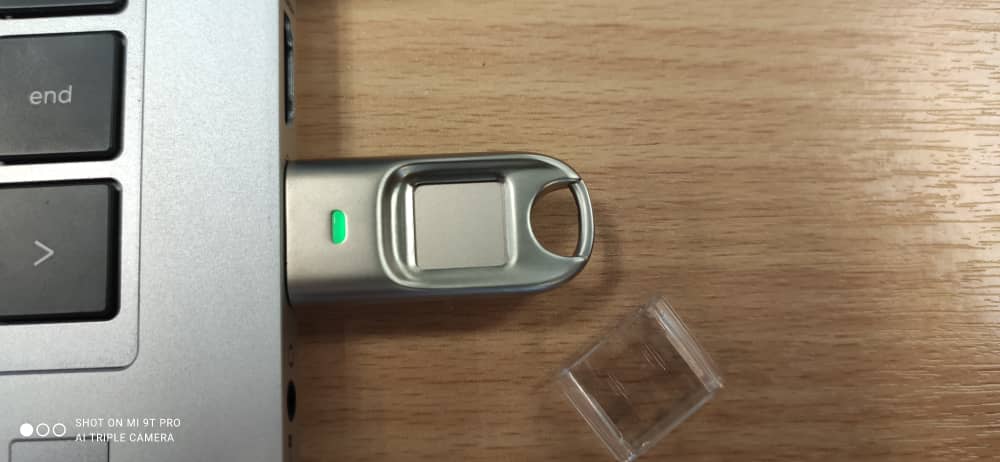
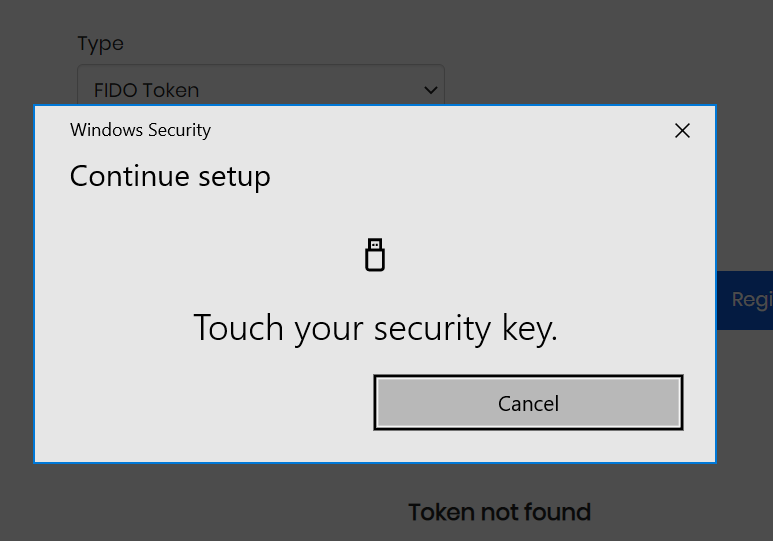
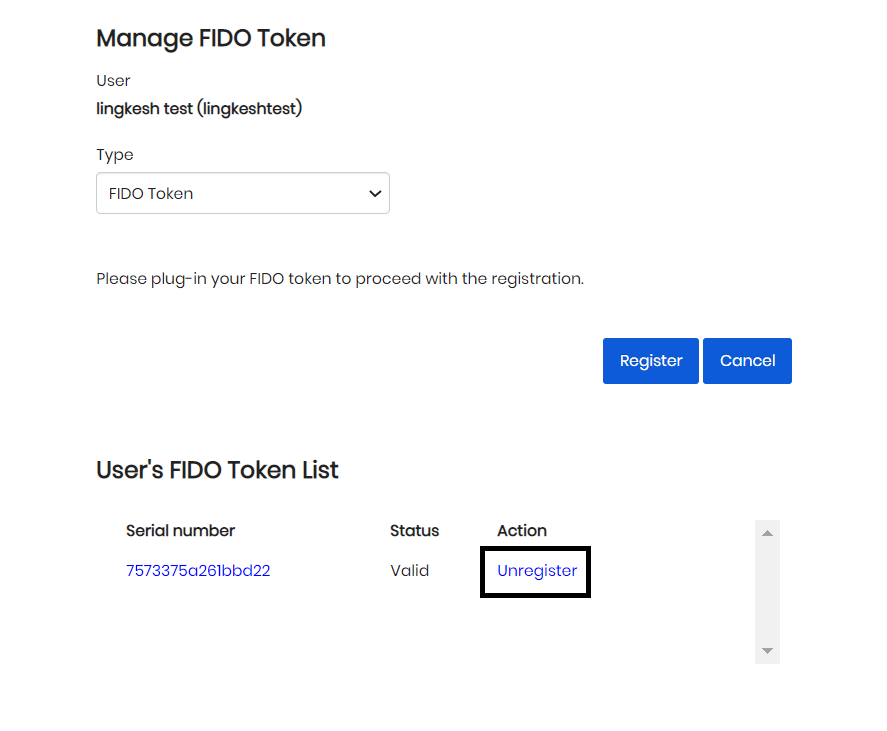
Register FIDO This function allows user manage their list of FIDO tokens that can be used to authentications. 1. Click on Self Service → Authentication Methods → FIDO Figure 1: Navigate Register FIDO page 2. You need to plug in your FIDO token in order to proceed with registration. Figure 2: Plug-in FIDO token to Device 3. Click on the Register button and allow the token access when requested. Figure 3: Register FIDO token Dialog box 4. You can unregister FIDO token also in the same page by clicking the unregister button. Figure 4: Unregister FIDO